|
|
    (1 votes, average: 5.00 out of 5)
Loading ...
 Depth of field in photography
Understanding depth of field in photography can be simple to understand in theory, but in practice is usually difficult to master. I must admit, I still mess up, most people think its as simple as shooting wide open, as much as your lens allows. But this is not necessarily the case.
Shooting wide open does not necessarily guarantee your subject to be sharp, there are many variables. Things such as distance from you and your subject, are you using a zoom lens and at what mm are you shooting?
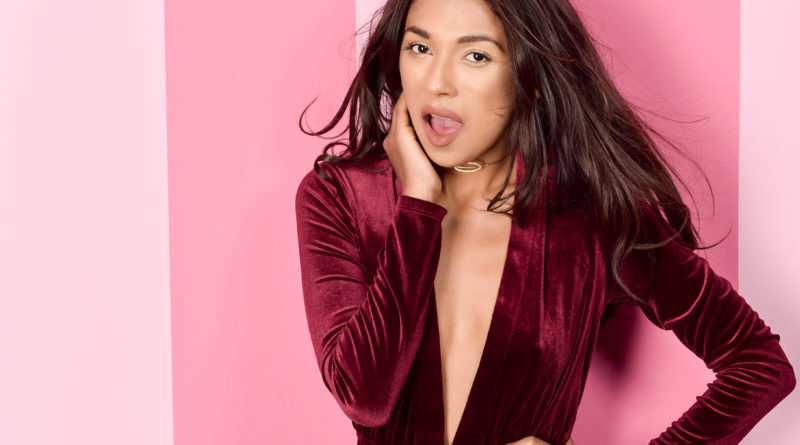
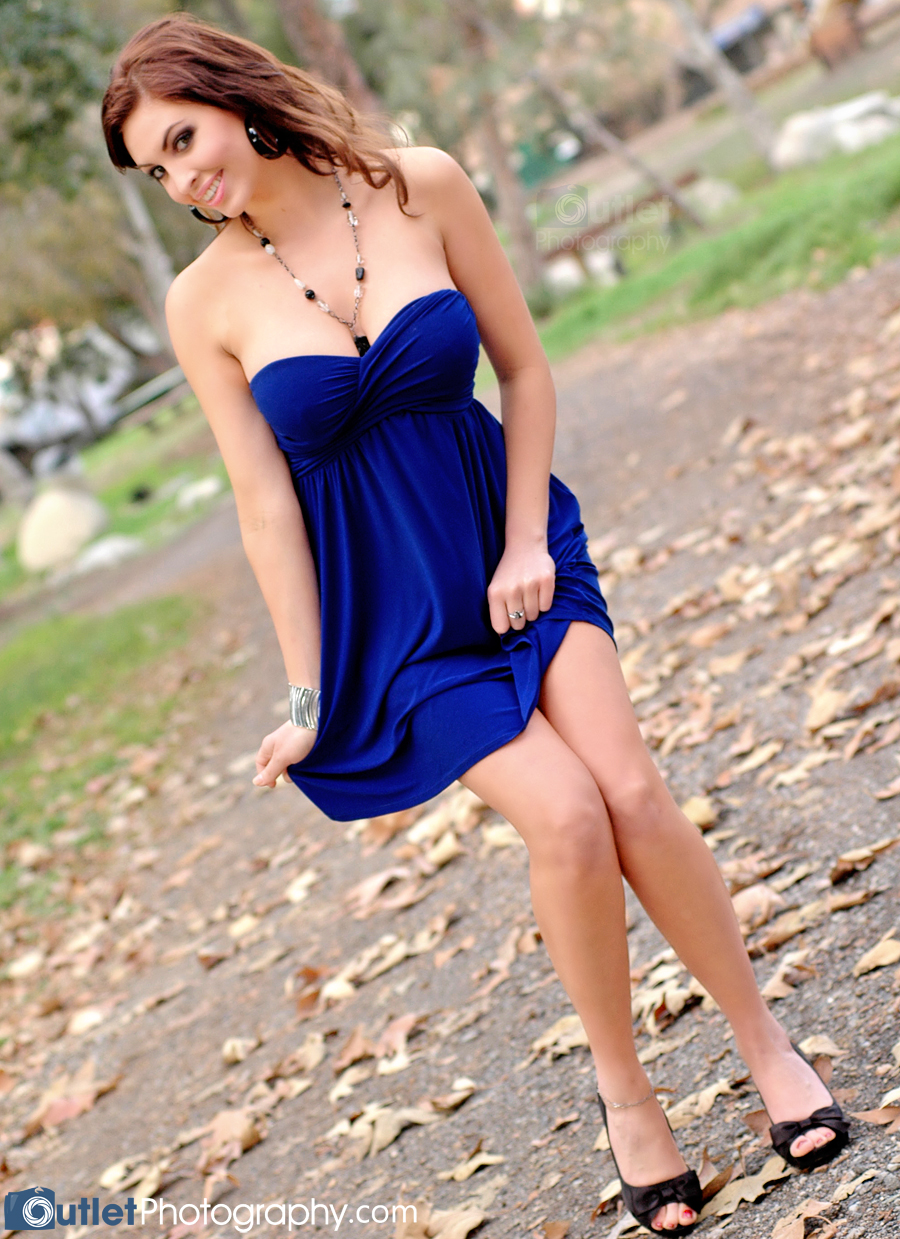
A good example can be found in the picture on your left. I shot this using a Nikon 80-200mm AFD 2.8 lens at 155mm wide open at 2.8 with a shutter speed of 1/1000 sec. I don’t recall the distance I was from her, but if you click on the image and enlarge it, you will see that her nose is the sharpest point of the image. By shooting wide open at 2.8, the dept of field was too shallow to have all of her sharp in focus. Her face is sharp, but most of her hair, necklace and ears are not.
In this particular case a wide open 2.8 aperture setting was over kill in my opinion. Yes, its nice to have the ability to shoot at 2.8 at 155mm, but I could have shot it at 5.6 and still have blurred out the background since it was so far away. So you can see how its not how expensive a lens costs, but the ability of the photographer to produce good or better images. For this one, I believe it is a good picture, but could have been a lot better. Hope this sheds some light in understanding depth of field in photography for you. Happy shooting!
    (No Ratings Yet)
Loading ...
Ever wonder how something so simple, like a smile, tilt of the head or a serious face can change a mood of your pictures? It can, and from the samples below (forget about the backgrounds, I didn’t do a good job of that), you can see how Maria posed for three identical pictures with only small changes to her expression.
Next time you snap a picture, think about the mood you want to capture before it happens!
    (1 votes, average: 5.00 out of 5)
Loading ...
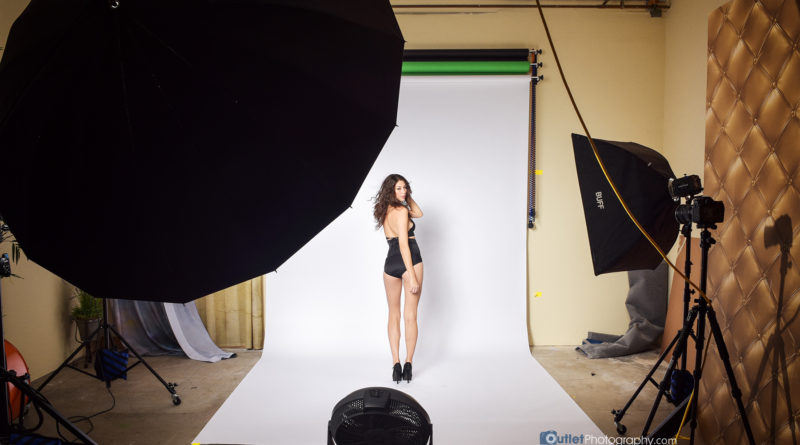
 Simple setup for a glamour photo shoot at home.
I had lunch with a photographer friend of mine a few days ago, its always fun to exchange ideas and experiences with someone with similar interests. He tends to work with more figure models, shooting in B&W, with the occasional sports photography. I’ve worked with him in the past, photographing glamour models. I really enjoy his unique style of posing the subjects. His ease in making the models comfortable during the shoots allowed us to create some great images.
Glamour photography is not for everyone, but not give it a try? Its not what most people think, there doesn’t need to be any nudity, although there can be. Its more of creating images that accentuate the beauty and personality of the model without being vulgar or crude. This is why the person being photographed must understand how to pose, move and create that special “look”. Its almost like acting. The photographer must find the best features of the model and help her pose in a manner that captures it.
If you’re new to photography or glamour, I’m sure you’ll see lots of “posing” cards or “how to” sample poses being sold online. There are lots of great ones out there. But there is a free one, as long as you don’t mind that its in the German language, but the poses are universal! You can download the pdf file here from the German photo site fotoart-dr.de. The file is large, about 50 megs, but its a great free posing guide. Thanks to fotoart-dr.de for this great free visual guide.
    (1 votes, average: 5.00 out of 5)
Loading ...
 Head Shot - Camera setting at f/3.2 @ 1/160 sec and 112mm
Following up on my last post regarding depth of field (DOF), I wanted to share a sample of a head shot where I used a wide open aperture setting to get the right look. In the image to the left, you can see how her eyes and the rest of her face is focused, but her hair, only an inch or so away (closer to me), is out of focus. The camera settings for this image were, f/3.2 at a 1/160 sec shutter speed using my 80-200mm 2.8 AFD lens. I shot it at 112mm, so I could get in close, I also cropped it a little on PS CS3.
In fact, its difficult to see, but the tip of her nose is a little out of focus, but that’s ok since my main focus was to highlight her eyes and lips. To get this image I took about 3-5 different shots. Several of them came out great, this is one of them.
My only complaint about the image is her makeup, its good, but her lips could have been made up a little better.
    (2 votes, average: 3.00 out of 5)
Loading ...
 Layer masks using Photoshop
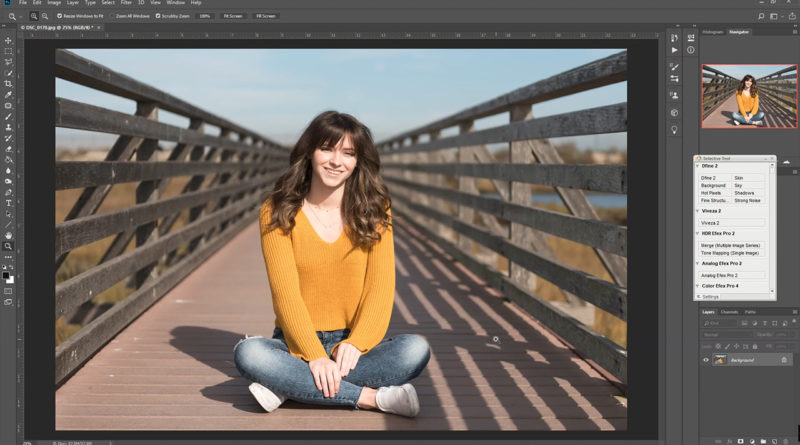
I was a little bored today so I started playing around with a few of my images. Seems I do that often these days, . The background image is an aerial picture I took a couple of months back. I then used several layer masks to add the various models, just few of the last several years. If you haven’t used layer masks on photoshop, which I assume you have, its the best way to combine two images together, or in this case several!
I’m not sure if other photo editing program have this feature, but its always been one of photoshops best functions. If you’ve ever seen any movie poster, its a good chance the photo portion of it was created with this feature. Of course the movie posters do a much better job than I did with this one.
If you notice, I also tried to add shadows on a few of the models. I didn’t time myself on the time it took to do it, but it was not long. Give it a try, its actually fun once you get the hang of it! The possibilities are endless!
Can you count how many models I included in this picture? Write a comment below and let me know!
Page 1 of 1012345»10...Last »
Improve the web with Nofollow Reciprocity. |
*Please consider making a donation. All funds go towards covering the costs of this site & future shoots. This site runs entirely on viewer donations, any amount is appreciated. - For each donation you make, I'll send you a "special" model picture!
Thank you!
.
|